Before any public release, Cipher Compass undergoes adversarial security reviews. Here's what that looks like — and what we deliberately don't tell you.
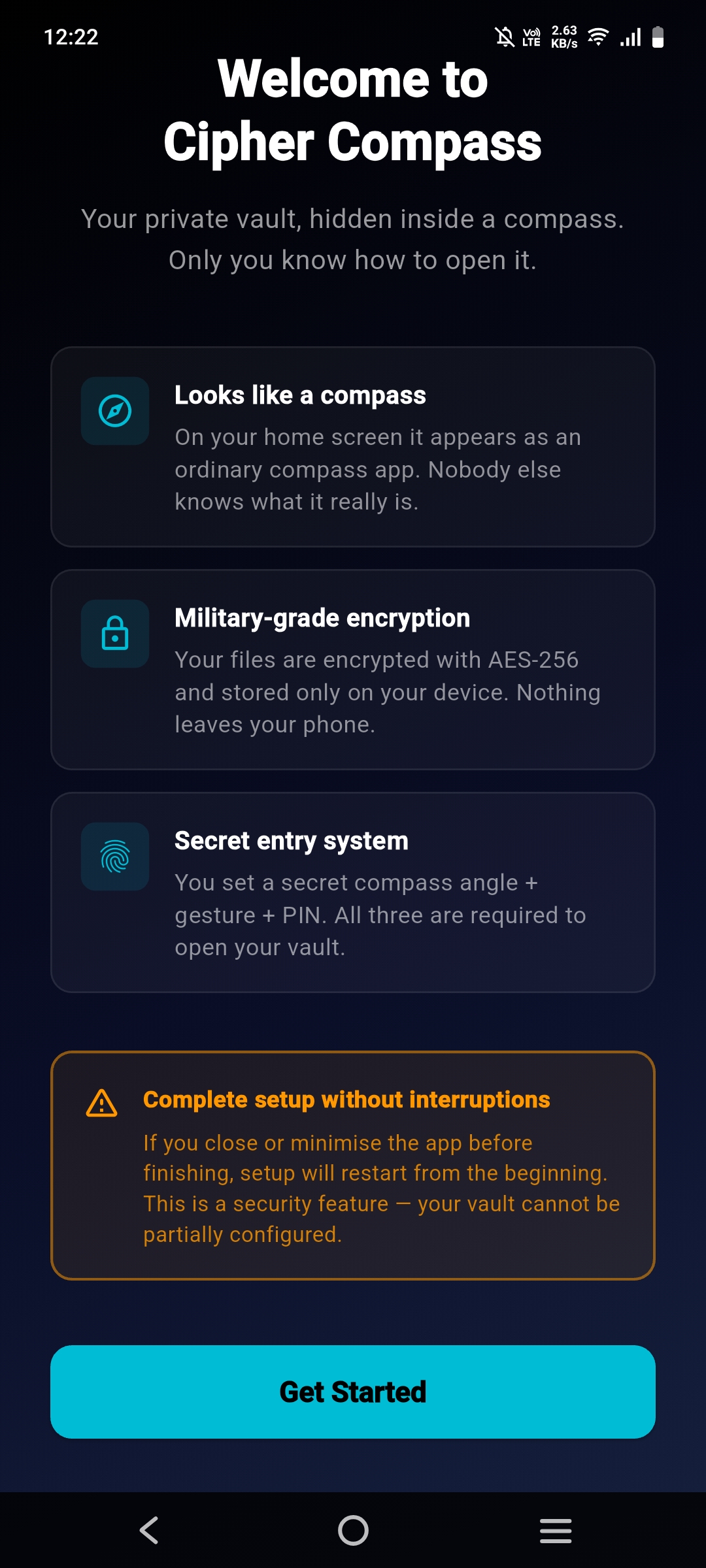
Your private files stay private — locked with encryption strong enough to protect state secrets, disguised as an app that looks completely ordinary on your home screen.


Other apps put a lock icon on your home screen. Cipher Compass doesn't even reveal that a vault exists.
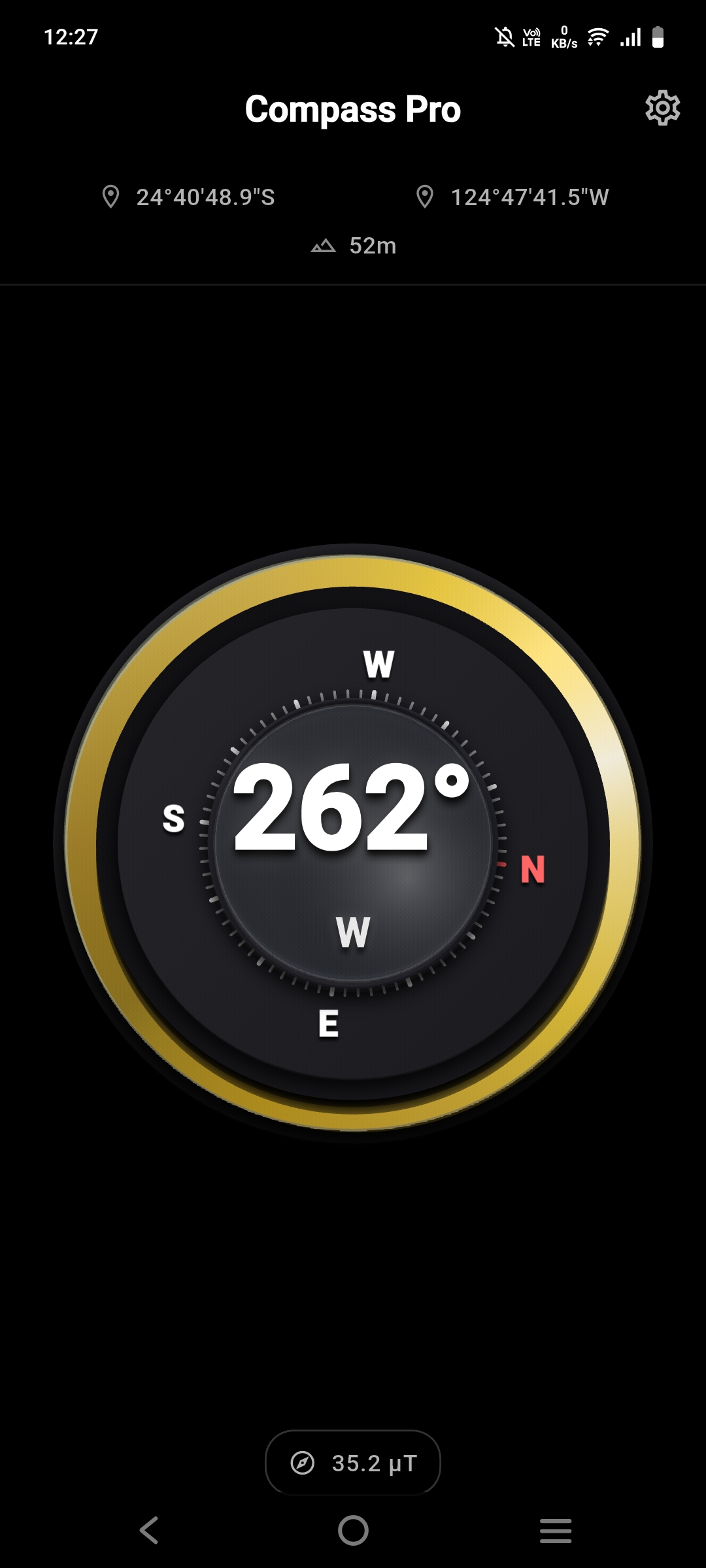
On your home screen, it's named "Compass+" and behaves exactly like a real compass. There's no vault icon, no suspicious name, no hint of what it actually is. The best hiding place is in plain sight.
Everything is encrypted locally using the same standard that protects classified government data. No cloud upload, no server, no account required — not even ours. Your files exist only on your phone.
Opening the vault requires three things you define during setup: a secret compass bearing, a specific gesture, and your PIN. Someone holding your phone just sees a working compass.
Setup takes about three minutes. After that, your vault is invisible to anyone who isn't you.
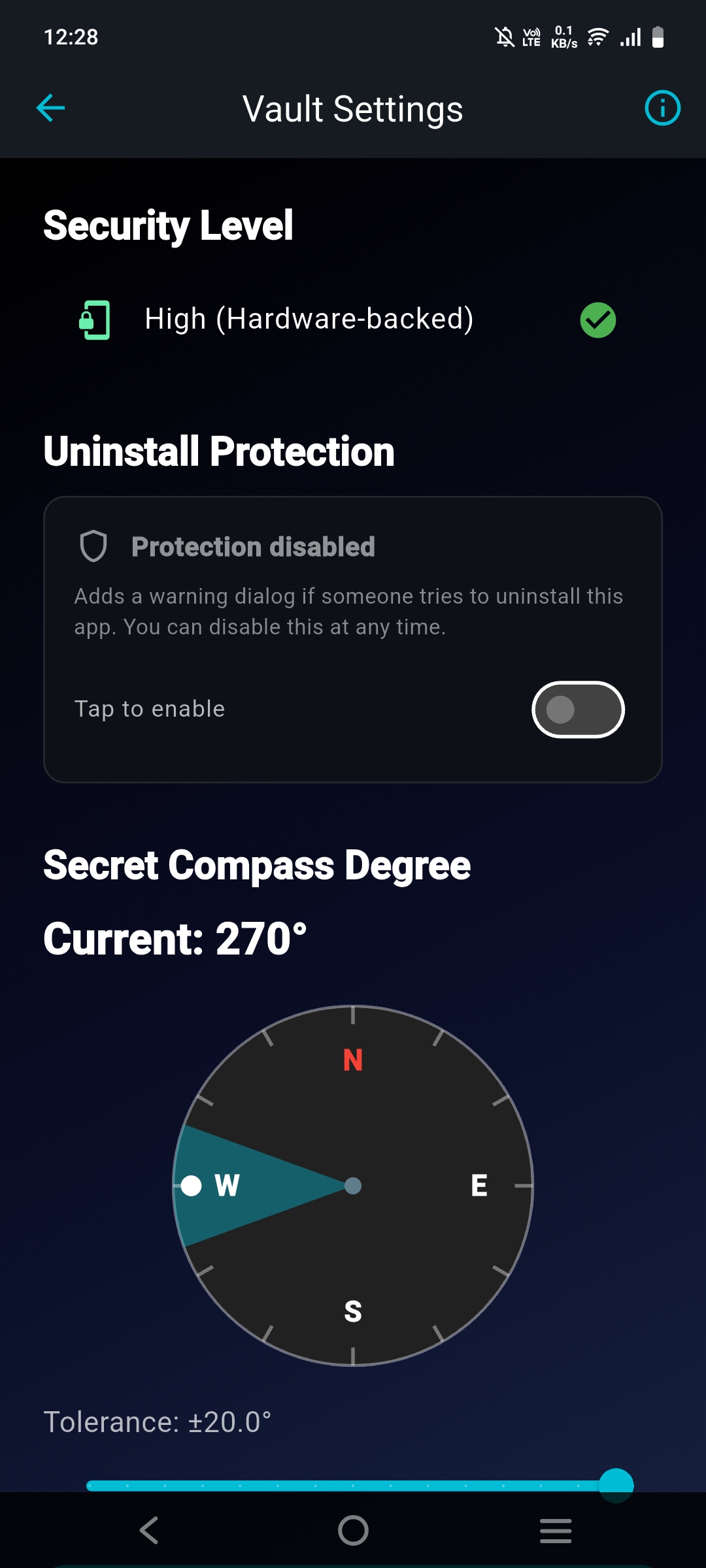
During setup, you pick a compass bearing that only you know. When you physically rotate your phone to face that direction, a silent access window opens — and immediately closes if you don't proceed.
Think of it like a combination lock, but the dial is the real world around you.

A physical gesture — press and hold — must follow the bearing. The timing window is short and deliberate. Any interruption (backgrounding the app, answering a call) resets the entire flow.
Even if someone knows your PIN, the gesture stops them cold.

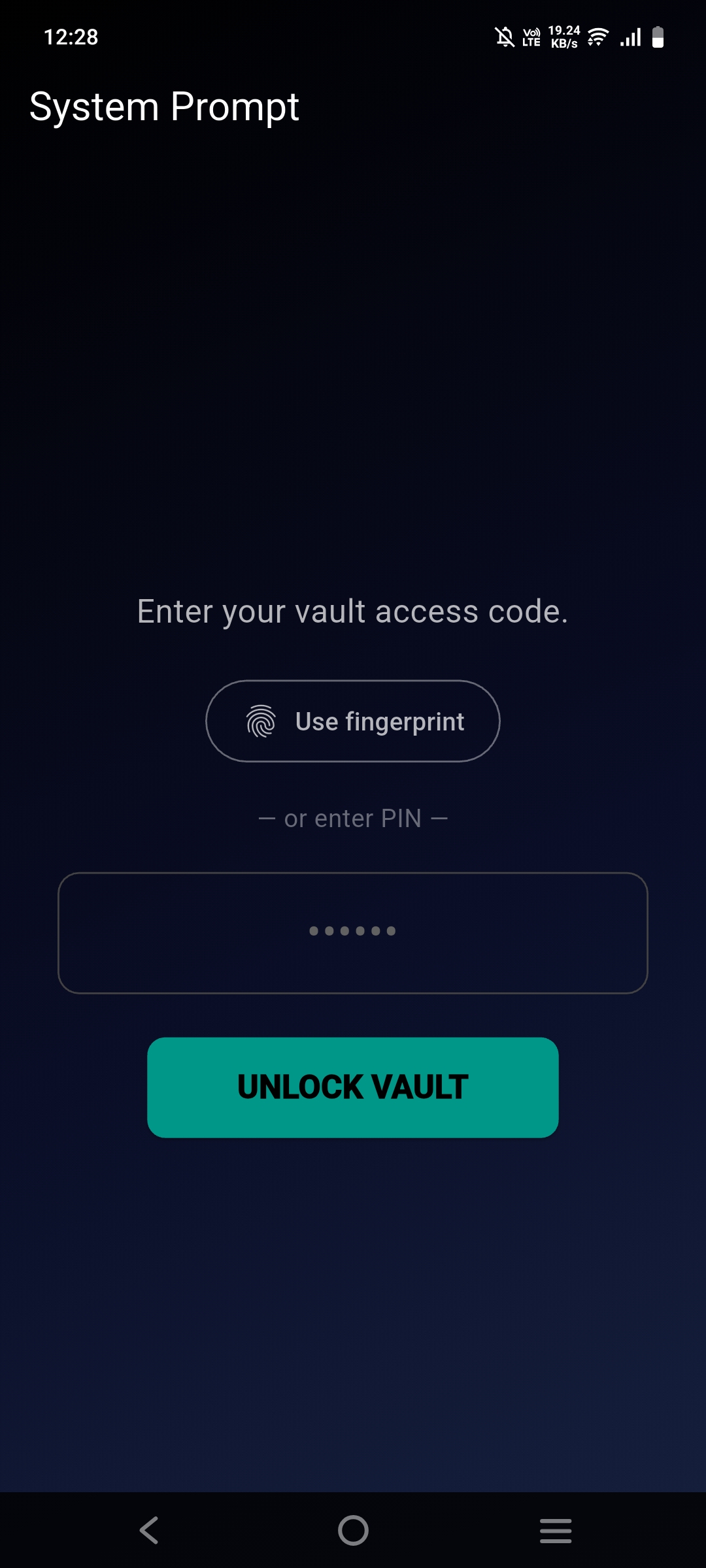
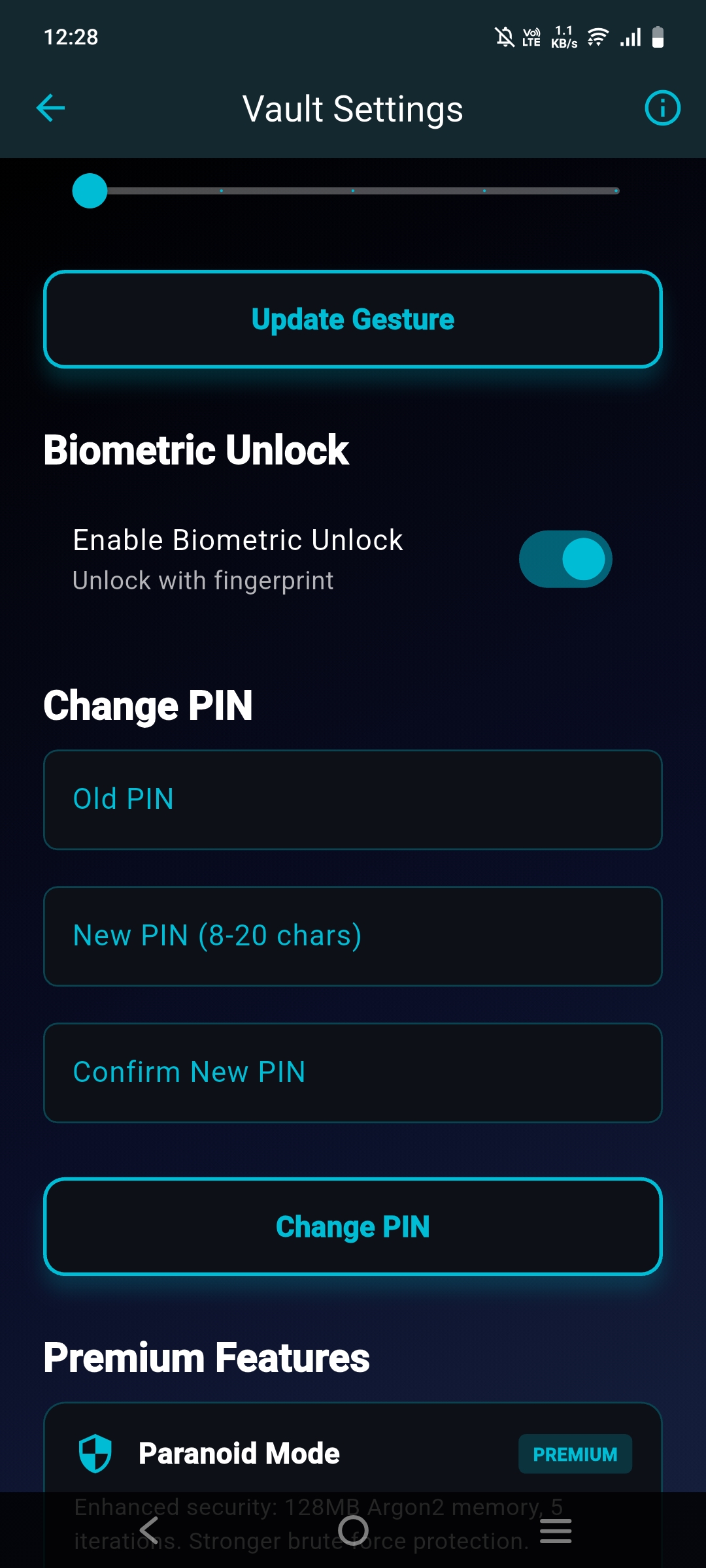
The final step is your PIN or biometrics. Repeated failed attempts trigger a progressively increasing lockout. The timer uses hardware clock — it cannot be bypassed by changing your phone's system time.
You get the convenience of fingerprint unlock without sacrificing any security.

Every protection is deliberate. Nothing is here for marketing purposes.
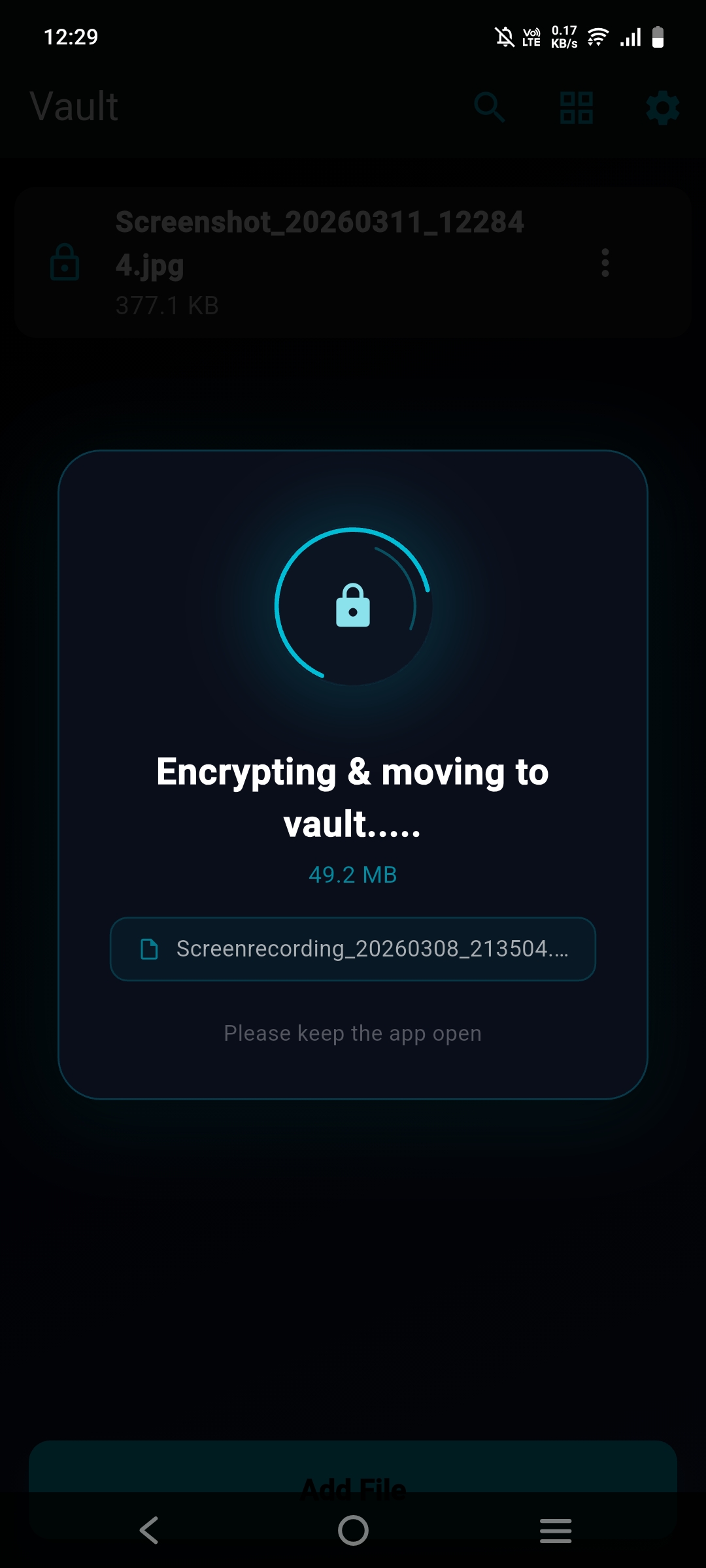
The same standard used by governments and financial institutions. Each file is encrypted independently with authenticated encryption — tampering is cryptographically detectable.
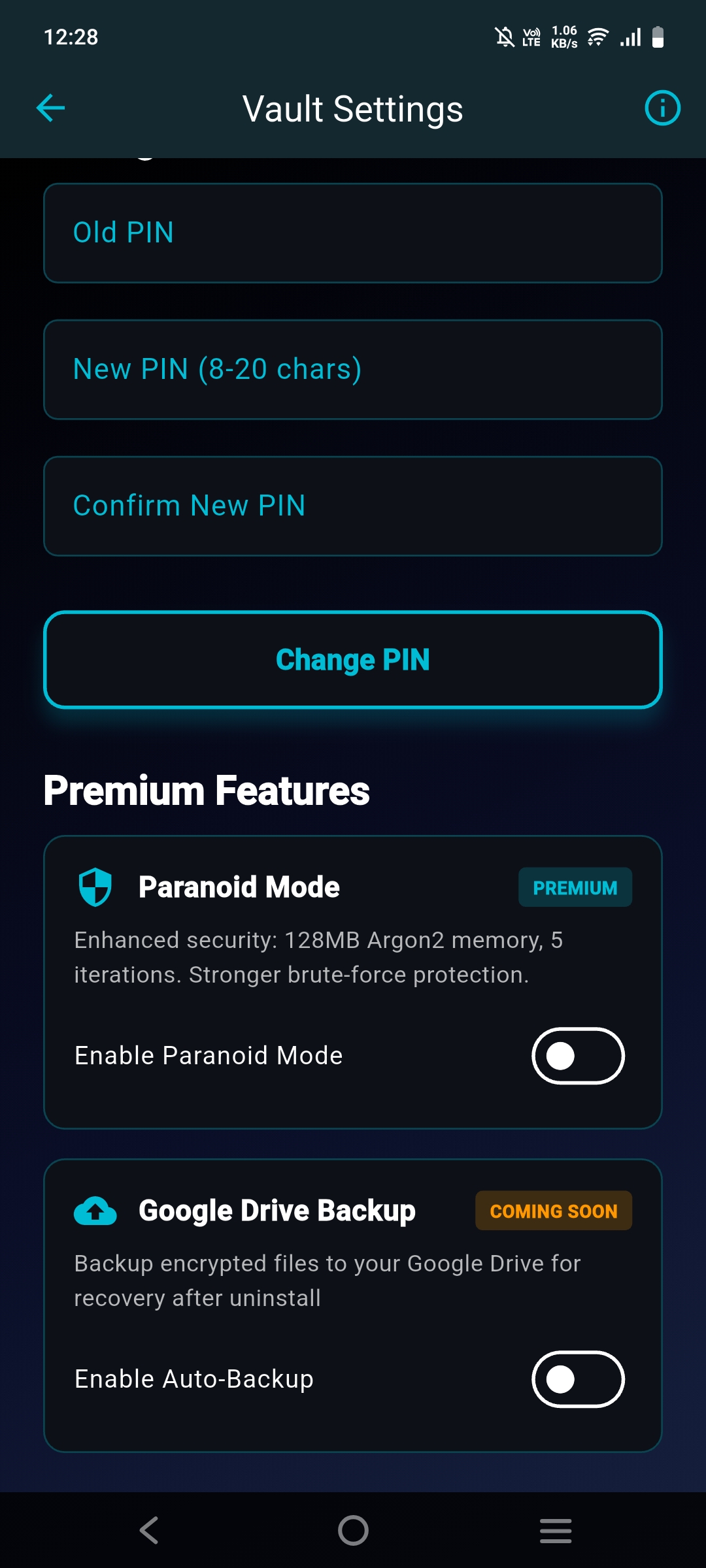
Your PIN is never stored. It's transformed into an encryption key using a deliberately slow, memory-intensive algorithm — one that makes automated cracking attacks impractical regardless of hardware.
Encryption keys are stored inside your phone's secure hardware chip — the same component that protects banking apps. Keys physically cannot be extracted, even from a rooted device.
System-level screen capture protection is active across the entire app — screenshots, screen recordings, and remote display are all blocked at the OS level.
Repeated incorrect PIN attempts trigger increasing lockout periods. The clock is tied to hardware time — changing your phone's date or time has no effect on the lockout.
Encryption keys are loaded only when actively needed and cleared from memory immediately after use. Large files are processed in isolated execution contexts.
Deleted files are overwritten using a secure multi-pass process. Video content uses ephemeral storage containers that are destroyed, not just unlinked.
Cipher Compass doesn't need an internet connection to work. The only time you'll need it is to download updates from the Play Store. Everything else — encrypting, unlocking, managing your vault — happens entirely on your device.
No analytics, no crash reporting, no advertising SDKs, no account system. There is no user database because there are no users — only devices. We have nothing to breach.
For the files you absolutely cannot afford to have compromised. Paranoid Mode significantly raises the cost of any attack — at the expense of a barely-noticeable unlock delay.
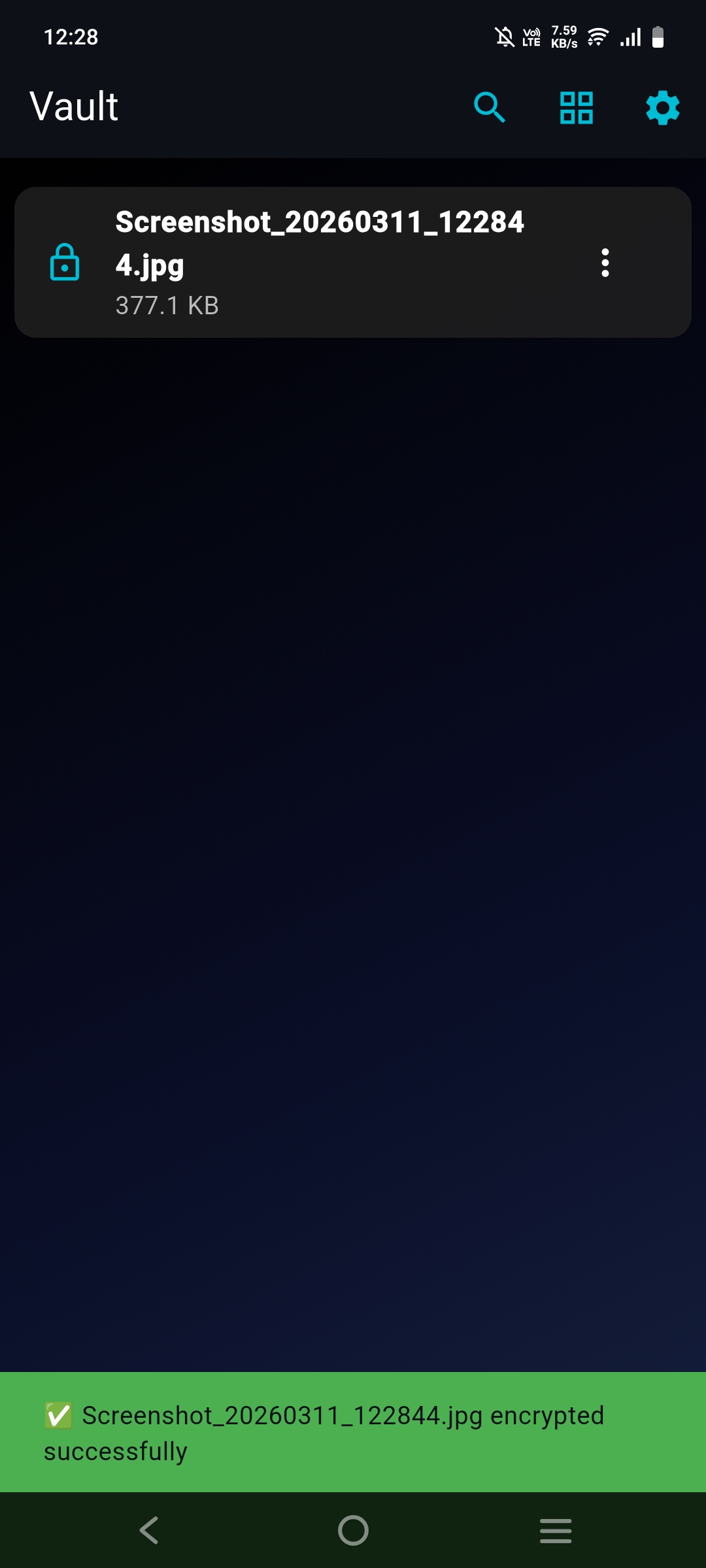
Photos, videos, documents, voice notes — if it's on your phone, it can go in the vault.
Most people don't care how encryption works. They care whether their stuff is safe and whether they'll lose it.
The app that looks like a compass. The vault nobody finds.


No cloud. No accounts. No one but you. Not even us.